
Amending Purchase Order after Submit
Verified TechoERP Documentation Standard
You can amend the Rate and Qty of items in a submitted Purchase Order using the Update Items button, without cancelling the order.
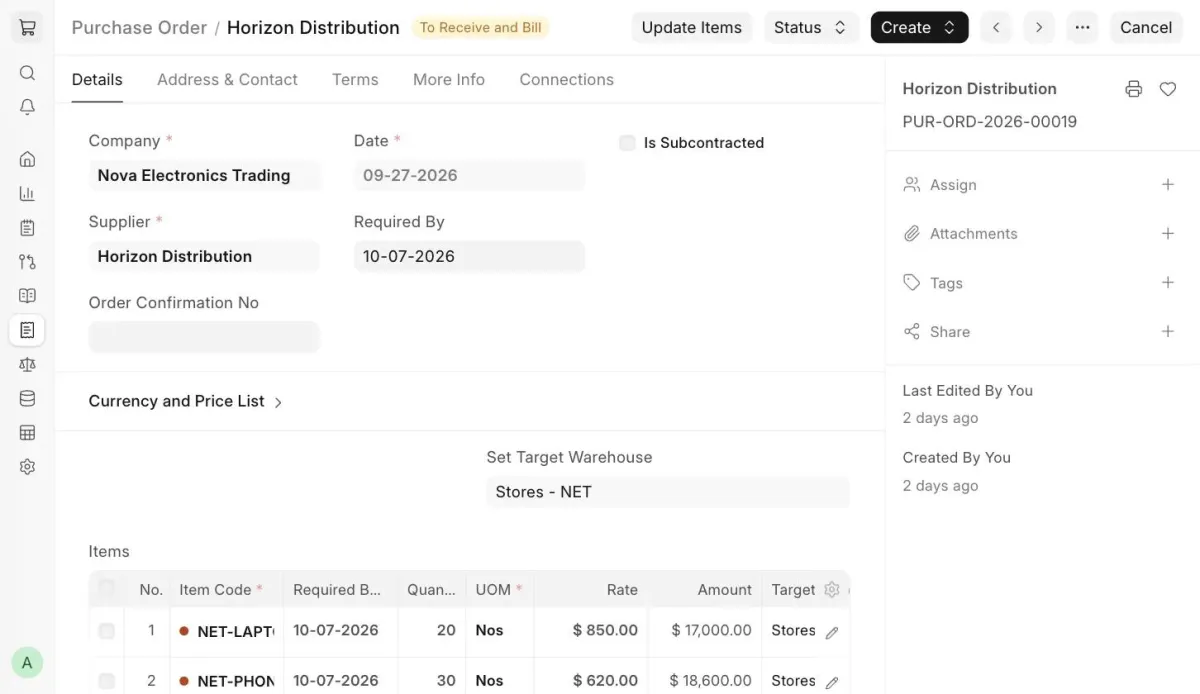
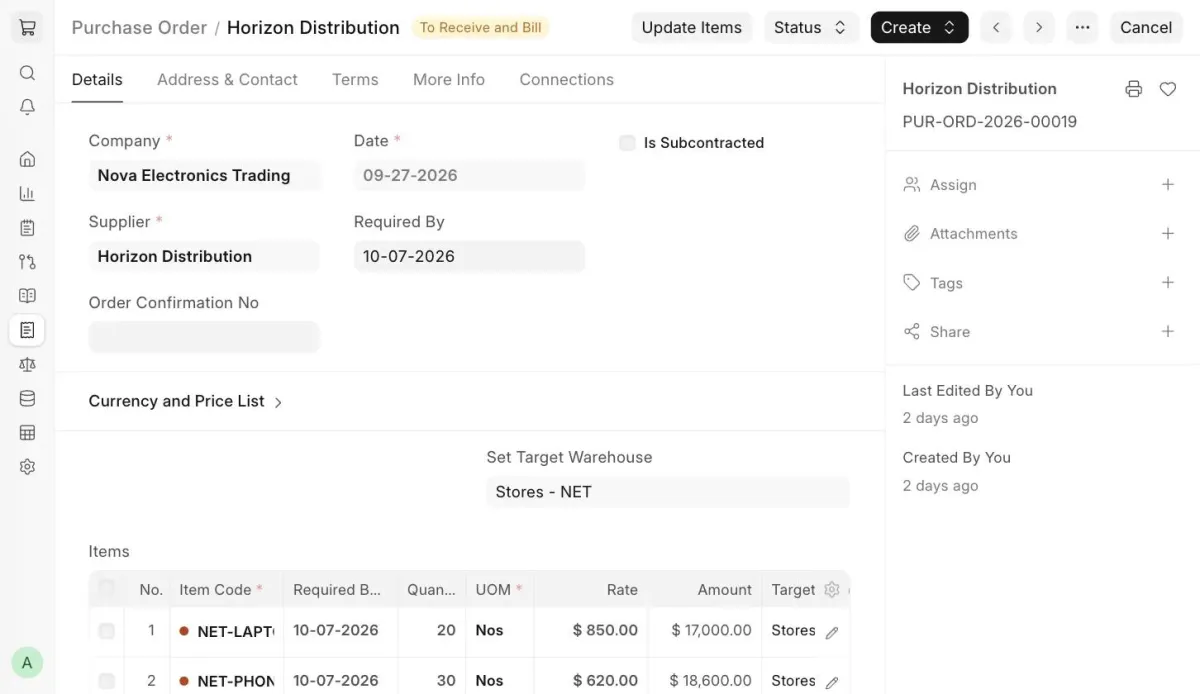
Update Items button in Purchase Order
To update the Rate and Qty in a submitted Purchase Order, click the Update Items button. A dialog opens where you can edit the Qty and Rate of existing items, or click Add row to add new items. Then click Update.
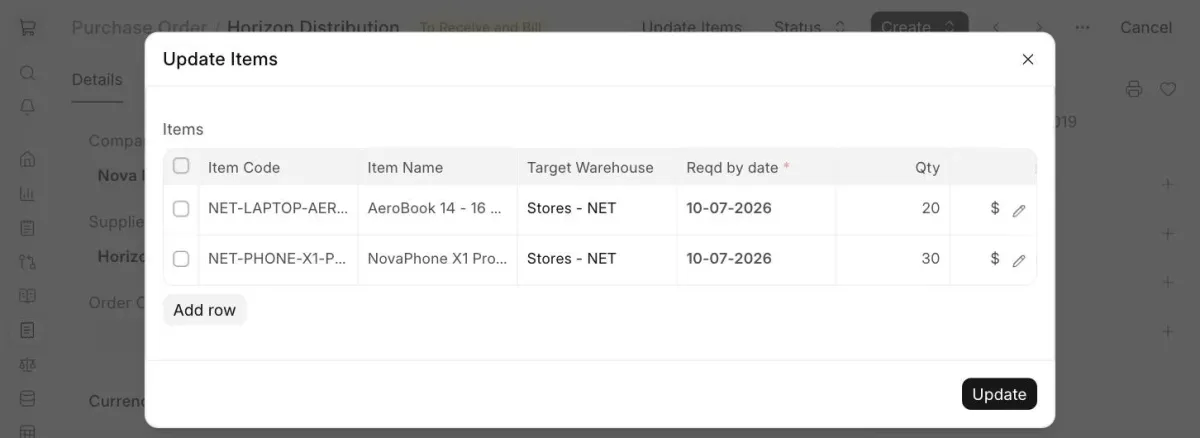
Update Items dialog
Note: The following validations apply when updating items:
- The system checks whether the Purchase Order has linked Purchase Receipts and Purchase Invoices.
- Qty can be updated for un-received and partially received Purchase Orders. It cannot be updated once the Purchase Order is fully received.
- Rate can be updated for un-invoiced and partially invoiced Purchase Orders. It cannot be updated for items that have already been billed in a submitted Purchase Invoice.