
Work Order Summary
Verified TechoERP Documentation Standard
To access the Work Order Summary, go to:
Note / Path
Home > Manufacturing > Reports > Work Order Summary
Task
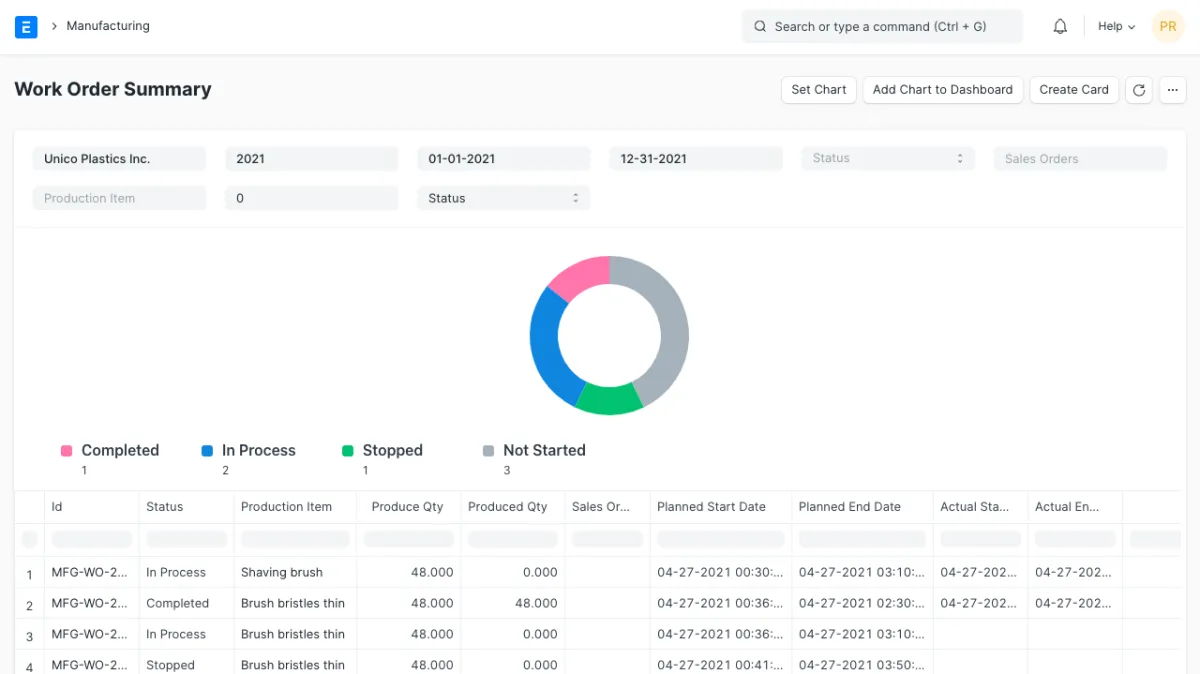
This report will give information about the Work Order. Using this report user will understand the number of produced quantity against each Work Order as well the status of the Work Order.
Using this report user can check the status of the Work Orders which are linked to the Sales Order. Also using this report users can check the Work Orders based on the status like Not Started, In Process, Completed, and Stopped.